Scripts for +1 Melt Ice for Dinos
Unofficial auto-farm hubs, feature lists, executor steps, and a clear use-at-your-own-risk warning.
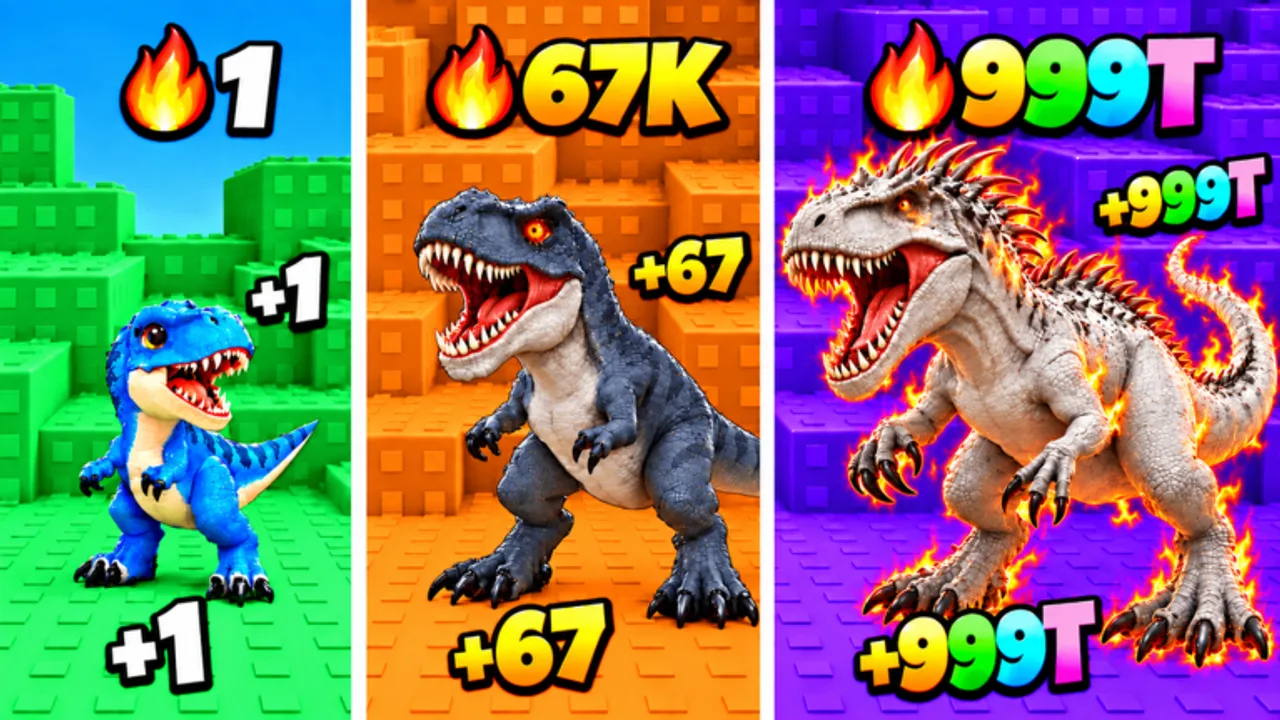
This Scripts Hub collects unofficial automation loadstrings that players use in +1 Melt Ice for Dinos! by Cryosaur Studios. These tools are not published by Cryosaur Studios, are not part of Roblox’s official client, and can violate Roblox Terms of Use. Using any executor or script can lead to account warnings, bans, or data loss. Read the safety section before you copy anything. If you prefer a clean progression path, stick to Getting Started, redeem legit Codes, and plan upgrades with the Tier List instead.
The scripts below target this Melt Ice for Dinos experience (Universe 10766176458 / Place 135771443416012) - not similarly named ice games. Feature names come from the hubs themselves and can change when authors push updates. Always re-paste the latest loadstring after a game patch.
Safety disclaimer (read first)
- Account risk: Executors and injected scripts can get your Roblox account moderated or banned. There is no safe guarantee.
- Use at your own risk: You alone accept the consequences. This wiki does not encourage breaking Roblox rules.
- Unofficial: These hubs are third-party. Authors can abandon them, break them, or ship malicious updates without notice.
- Never share passwords or paste loadstrings into random “login” sites. Only run code you understand inside a tool you chose yourself.
- Alt accounts: If you still experiment, many players use secondary accounts so a main progress save is not the first thing at risk.
If any of that makes you uncomfortable, close this page and play normally. Codes, rebirth planning, and torch upgrades already speed the Fire → melt → dino → offline money loop without injecting software.
SoftKillz Hub
SoftKillz Hub focuses on automation around dinos, placement, mini-games, and rebirth.
Reported features
- Auto Dinos
- Auto Place
- Auto Mini-Games
- Auto Rebirth
Loadstring
loadstring(game:HttpGet("https://plainraw.com/raw/S0ftkillz-Hub-loader"))()Use SoftKillz when you want broad QoL automation after you already understand manual carry and placement. Auto Rebirth is powerful but can reset Fire progress while keeping money and dinos - know the rebirth rules from Getting Started before enabling it on a fresh account.
Auto Farm hub
The Auto Farm hub leans into farming loops, World 2 routes, bonus train actions, shopping, rebirth, and selling.
Reported features
- Auto Farm
- Farm World 2
- Bonus Train
- Auto Buy Weapon
- Auto Rebirth
- Sell All
Loadstring
loadstring(game:HttpGet("https://gist.githubusercontent.com/spiritualgaming1123-beep/9c2ce0a6f9f426e33b7ad5c154d30a36/raw/9414059fefd5970bbcaa2dd20c62d7bdcca42dde/+1MeltIceForDinos"))()Farm World 2 options matter once you push past the first map into rarer dinos and harder ice. Auto Buy Weapon and Sell All can drain or reshuffle resources quickly - watch your money before leaving toggles on overnight.
How to use an executor (general steps)
Exact buttons differ by executor brand, but the flow is usually:
- Install a Roblox executor you personally trust (research reputation yourself; this wiki does not endorse a brand).
- Launch Roblox and join +1 Melt Ice for Dinos! fully so the place finishes loading.
- Attach / inject the executor into the Roblox client when the game is open.
- Paste one of the loadstrings above into the executor script window.
- Execute / run the script and wait for the hub GUI to appear.
- Enable only the features you understand; leave Auto Rebirth off until you accept a Fire reset.
- If the GUI fails after a game update, disable scripts, rejoin, and try the other hub - or stop using scripts entirely.
Do not run multiple hubs at once. Conflicting Auto Farm and Auto Place loops can soft-lock characters or spam remote calls until the server kicks you.
When scripts help vs when they hurt
Might help (still risky): long AFK farm sessions, repeating mini-games, keeping dinos placed while you watch a show, testing World 2 clear speed on an alt.
Often hurts: learning the real click-melt-carry loop, understanding which dinos to prioritize, or following Tier List advice - because automation hides the feedback you need to play well without tools. Scripts also break after patches listed on Updates, which wastes the time you thought you were saving.
Legitimate boosts still matter. Redeem THANKSGIVING and WORLD2 from the Codes Hub when they work, then spend Free Rewards on torches and base income. That path stays inside normal play.
Related pages
- Getting Started - manual loop, upgrades, rebirth
- Codes - working promo codes and redeem steps
- Tier List - what to invest in when you play without automation
Stay skeptical, keep accounts separate if you experiment, and remember every loadstring on this page is unofficial and use at your own risk.
Frequently Asked Questions
Quick answers for Melt Ice for Dinos players.
Are +1 Melt Ice for Dinos scripts safe?
No script or executor is guaranteed safe. They are unofficial, can break Roblox rules, and may get your account warned or banned. Use entirely at your own risk.
What does SoftKillz Hub include?
Reported features include Auto Dinos, Auto Place, Auto Mini-Games, and Auto Rebirth. Paste its loadstring into an executor only after you accept the account risk.
What does the Auto Farm hub include?
Reported features include Auto Farm, Farm World 2, Bonus Train, Auto Buy Weapon, Auto Rebirth, and Sell All. Avoid running it together with a second hub.
How do I run a loadstring?
Join the game, attach an executor, paste one loadstring into the script window, execute it, then enable only the toggles you understand. Stop if the GUI fails after an update.
Is there a legit way to progress faster without scripts?
Yes. Redeem working codes, follow the Getting Started upgrade order, and use the Tier List for investment priorities without injecting third-party tools.